
Make a Digital Cookbook You’ll Actually Use
Turn links, social videos, screenshots, and family cards into one searchable digital cookbook with consistent recipe records and source notes.
By Buttter ·
A saved food video can inspire dinner with a glimpse of the finished dish and a fast-motion view of the cooking process. When Thursday night arrives, that same browser bookmark or saved social media post rarely gives you a clean ingredient list and ordered steps. For iPhone and iPad users, Buttter helps close that gap by turning supported social posts, including videos without written recipes, into structured steps, then helping you find dishes that use ingredients you already have. A screenshot of a family index card preserves the handwriting, but it remains invisible when you search your phone for chicken dishes. To make a digital cookbook, you gather these scattered links, photos, and physical cards into a single searchable collection. The result is a working recipe record that retains its original source notes, giving you a reliable way to find what you need and start cooking.
Before You Start: Pick One Searchable Home
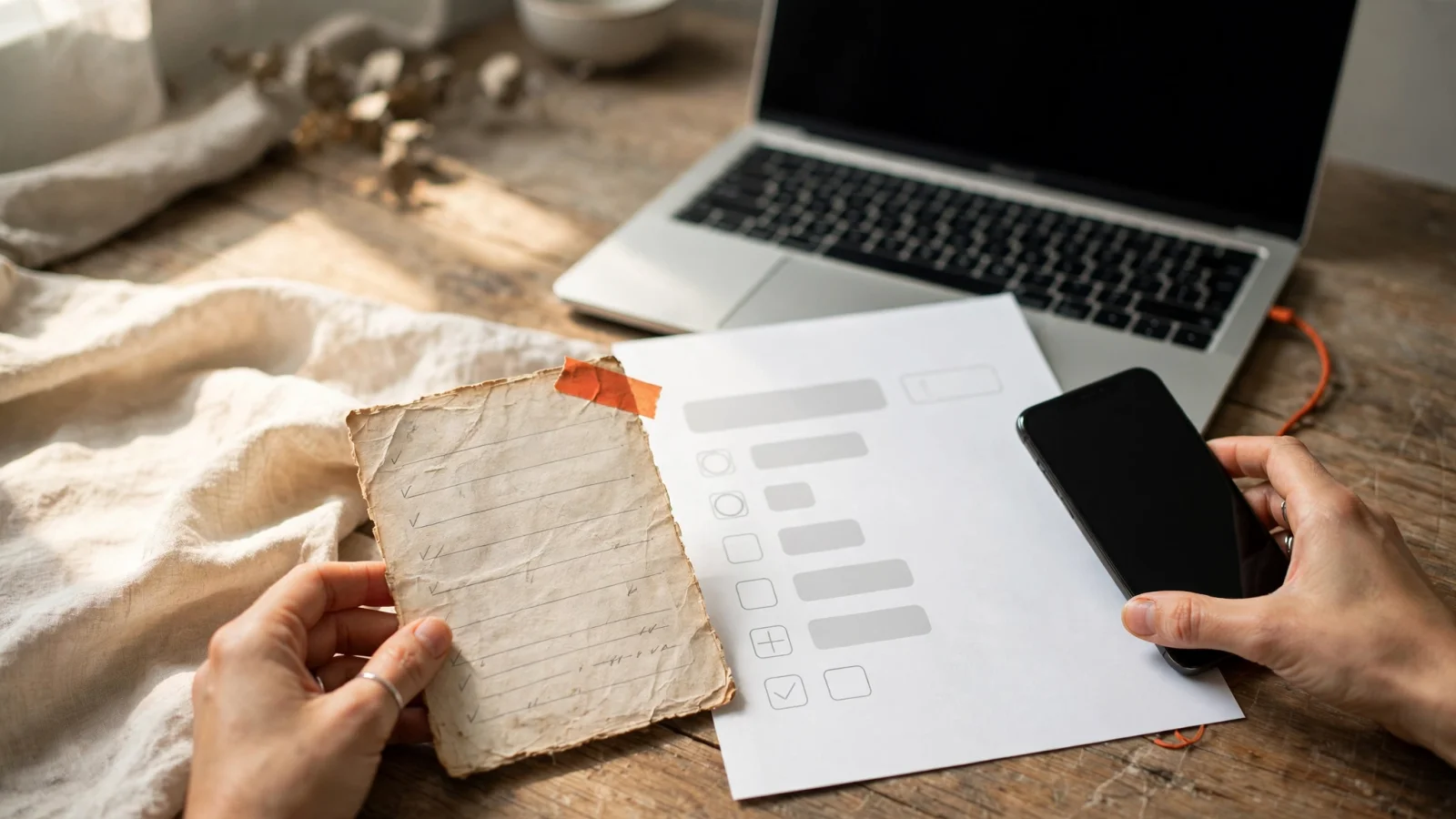
Building a useful collection requires choosing one central platform to hold your imported text, source links, and photos. If you leave recipes scattered across browser bookmarks, phone albums, and social media folders, you will eventually lose track of them. Instead, choose a dedicated space that handles both the original context and a standardized set of cooking instructions.
For iPhone and iPad users, Buttter fits this role. The app turns supported social media posts and videos into structured ingredients and numbered steps, handling clips even when they lack a written description. You keep your imported text, screenshots, and original source photos together in personal searchable cookbooks. The app is free to download and has no Android or web version, while some AI features require an optional subscription.
Start this project with a small handful of recipes you expect to cook this month. Processing every saved link or physical card you own at once turns a practical project into an archival chore, so try starting with ten dishes you actively want to eat. This approach helps you learn how your chosen format works in practice and prevents you from wasting time on meals you will never make.
Step 1: Save Each Recipe With Its Source
Every recipe needs enough source information to reconnect it to its original creator, the platform where you found it, or the family member who contributed it. A recipe without a source is harder to check if you suspect a measurement is wrong.
When you capture recipes from social platforms like TikTok or Instagram, retaining the original link gives you a way to rewatch the video later, which helps when you need to check the consistency of a sauce or the size of a diced vegetable. Treat any ingredients or steps pulled from a fast-paced video as a working draft. Creators frequently add a splash of vinegar or a handful of spinach without measuring, leaving you to guess the exact volume. Record these unclear quantities as unknown or estimated in your draft rather than inventing a precise measurement. Keeping the creator's name and the source URL ensures you can always return to the original post for context.
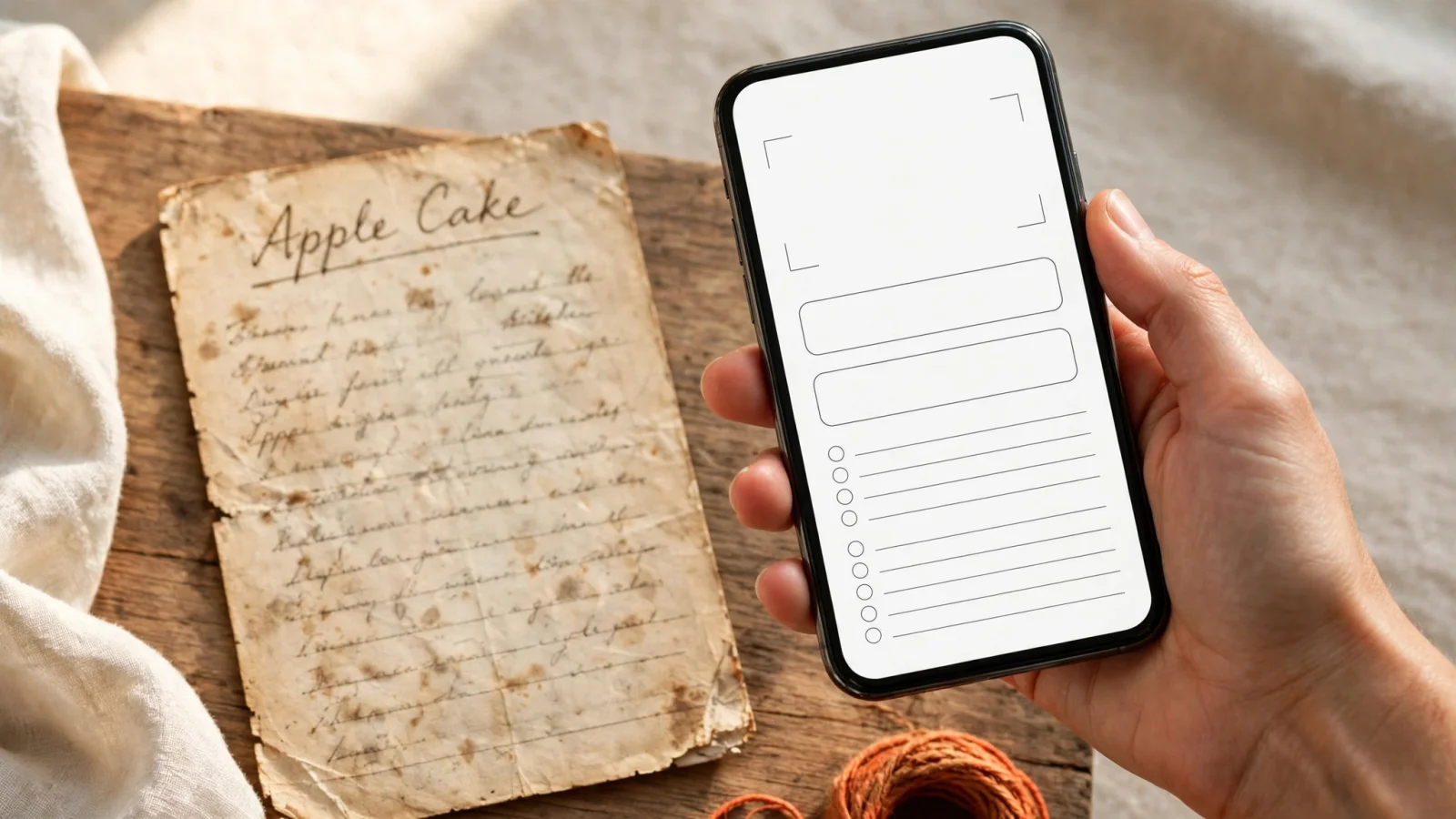
For a physical recipe, a photo of an old card preserves the faded handwriting, the layout, and the stains that mark a frequently used page. Keep that original image attached to your typed digital version. Record the family member who shared it, the approximate date if known, and any specific story attached to the meal. A Library of Congress article on foodways prompts readers to ask who prepared family meals, how they learned, and which dishes were served regularly, helping preserve the traditions behind older recipes. Keeping this source information distinct from the cooking steps protects the history of the meal.
Step 2: Use One Consistent Recipe Template
A uniform structure is the foundation of any reliable digital cookbook. When every entry follows the same layout, you know where to look for the oven temperature or the required prep time. A scattered format leaves you scrolling through a long paragraph with flour-covered hands, trying to figure out when to add the eggs.
Keep a reusable record handy for every new entry:
Recipe title:
Source / creator / family contributor:
Original link or source details:
Original photo, screenshot, or card image:
Yield or servings:
Prep and cook time, equipment, and temperature (if known):
Ingredients (in order of use, with quantities):
Numbered directions:
Cook’s notes or family story:
Tested changes:
Search tags:
This template separates the original instructions from your own adjustments. Begin with a descriptive title and fill out the source fields. Include the expected yield, prep and cook times, and specific equipment like a springform pan or a Dutch oven.
The ingredients list requires strict attention to order. As a practical baseline, a Utah State University Extension recipe evaluation sheet checks for ingredients listed in order of use, standard amount abbreviations, complete mixing instructions, and specific cooking temperatures. If the recipe calls for flour early in the process and a garnish at the end, listing the garnish first creates confusion during a busy cooking session. Include a clear quantity for each ingredient when one is available. If a family recipe says to use enough milk to make a dough, type the exact phrase, then mark it for testing later.
Write the directions as clearly numbered steps, because paragraphs that combine chopping, sautéing, and resting make it easy to miss an action. Instead, break the process down into logical phases.
Buttter bridges the gap between raw social media saves and this structured layout by extracting ingredients and steps from supported posts and videos. Use the result as a baseline, then compare it with the original video for missed steps or ingredients. Add the creator's name or original link to the notes field to keep the source attached, since the app relies on you to check the final record. Keeping your personal adjustments, such as swapping out a protein or reducing the salt, in the tested changes section ensures the original source remains intact.
Step 3: Organize for the Way You Search
A large digital cookbook is useful only if you can retrieve a specific dish quickly. Organization relies on balancing broad categories with specific, searchable keywords. Complicated folder structures force you to make difficult choices, like deciding whether a chicken taco recipe belongs in a folder for poultry or a folder for Mexican cuisine.
Keep browsing manageable by establishing a few broad collections based on how you cook. Categories like Weeknight dinners, Baking, Pasta night, and Family favorites provide large buckets that suit specific moods or schedules. These collections help you browse when you want inspiration, giving you a curated list of options without overwhelming you with the entire database.
Use a small set of consistent tags to connect overlapping details across those broad collections. Tags handle the specific attributes of a dish: the main ingredient, the cooking method, or a dietary preference. You might tag a recipe with chicken, gluten-free, and thirty-minute meal.
Test your organization system by tracing how you search. A good setup lets you find saved dishes by typing a single word. You might remember that a garlic butter chicken stir fry uses soy sauce, or you might only remember that your sister shared the link with you. By tagging the main ingredients and keeping the contributor's name in the source notes, you create multiple paths back to the same meal, reducing the friction of hunting for a lost dinner idea.
Step 4: Verify Details and Cook From Your Collection
Digitizing a recipe is only the first half of the process. Cooking the dish lets you test whether the extracted steps and estimated quantities work as written. A written record of a social media video often hides assumptions that only become obvious when you stand at the stove.
Compare your imported or typed text against the source material to catch common discrepancies, like a video that shows a tablespoon of salt while the caption mentions a teaspoon. A handwritten card might instruct you to bake until done without listing the required oven temperature. The Library of Congress recommends trying older or unwritten recipes because the steps frequently need clarification. Stand at the counter, follow your written steps closely, and write down any deviations. If you have to bake the cake for an extra fifteen minutes, record that in your tested changes section rather than quietly overwriting the original family instructions.
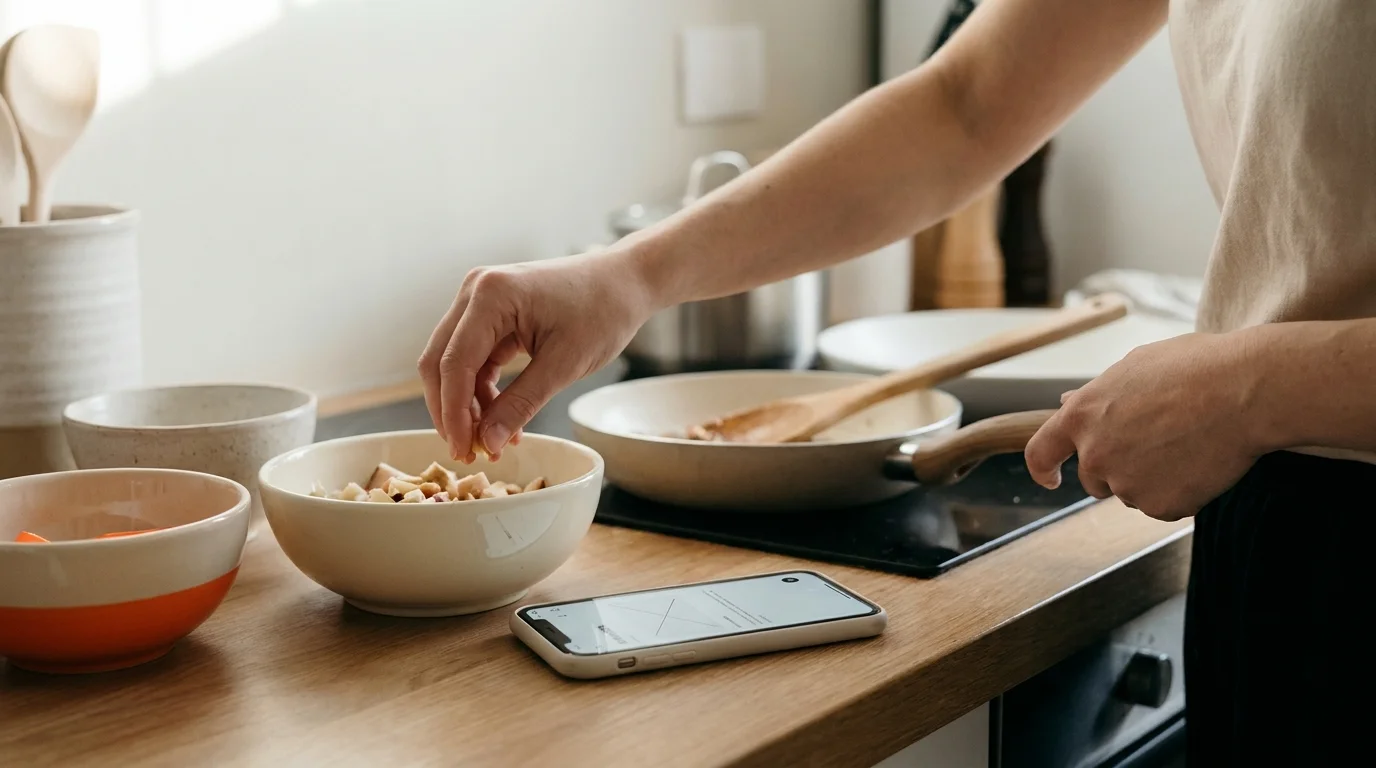
Connecting your searchable collection to your daily routine requires actionable tools. Once your recipe is verified, Buttter provides capabilities that move you from reading to cooking. The app automatically shows estimated nutrition information based on your ingredients. It scales quantities when you need to adjust the servings for a larger group, preventing the mental math errors that ruin baked goods. A step-by-step cook mode keeps the screen focused on the current instruction.
When you prepare for the grocery store, you can send your required ingredients to Apple Reminders, Things 3, or Todoist. If you want to skip shopping, you can generate a meal idea from a photo of your fridge or pantry, matching the suggestions to your taste and dietary preferences. These optional capabilities, some of which require a subscription, help your collection put dinner on the table.
Digital Cookbook FAQs
What Should Each Digital Cookbook Recipe Include?
Every digital recipe needs a clear title, an accurate ingredient list ordered by use, and numbered steps. Beyond the cooking instructions, a useful record includes the expected yield, the prep and cook times, and specific equipment requirements. Source information, such as the creator's name, the original link, or the family contributor, belongs with the file so you can trace the meal back to its origin.
How Do I Digitize a Family Recipe Card?
Photograph the physical card first to preserve the handwriting, the layout, and any stains that indicate heavy use. Attach this image to a clean, typed version of the text. Record the name of the relative who wrote it and any stories associated with the dish. Cook the meal as written, note any missing details like oven temperatures or pan sizes, and add your clarifications to a separate notes section so the original text remains unaltered.
Can I Turn a Cooking Video Into a Written Recipe?
Buttter can extract structured ingredients and steps from supported videos, including clips that lack a written caption. Treat these extractions as drafts. Video creators frequently estimate measurements or skip minor steps during editing. Review the imported text against the video, mark unknown quantities, and test the recipe to verify the instructions before relying on them for a dinner party.
How Should I Organize Digital Recipes?
Organize recipes using broad collections for browsing and specific tags for searching. Set up major collections for categories like Weeknight dinners or Baking. Apply consistent tags for main ingredients, cuisines, and dietary needs. This combination allows you to browse for inspiration within a general category while ensuring you can search for a specific ingredient across your entire library.
Does Buttter Work on Android or the Web?
Buttter is built exclusively for iPhone and iPad, allowing users to organize recipes, screenshots, and photos in personal cookbooks on those devices. The application does not offer an Android version or a web interface. It is free to download, with some AI features requiring an optional subscription.
You can turn your scattered screenshots, social links, and family cards into one searchable collection. Download Buttter to import videos, structure your ingredients, and build a digital cookbook you will cook from every week. Because Buttter is designed for iPhone and iPad, get started by downloading the app at Buttter.app.
