
Recipe Nutrition Calculator App: What to Compare
Compare recipe nutrition apps by ingredient matching, editable amounts, serving math, visible assumptions, and fit for saved food videos.
By Buttter ·
A saved cooking clip on a phone screen is an idea, not a cookable recipe. A thirty-second video of a garlic butter chicken stir fry shows you the method, but you still need structured ingredients, measured quantities, numbered steps, and a declared yield before you can turn on the stove. Cooking from a fast-paced video means pausing with messy hands, trying to guess whether the creator poured a teaspoon or a tablespoon of soy sauce, and constantly losing your place when the clip loops.
Turning that brief inspiration into a meal requires moving from a visual format to a structured one, and if you want to understand the macronutrients in that dinner, you need a recipe nutrition calculator app. Choosing the right software depends on what inputs the platform accepts and how much control it gives you over the calculation.
Before comparing options, you have to decide what you need the software to do with the recipes you already collect. For iPhone and iPad users, Buttter bridges the gap between saving a social post and having a recipe you can cook. It turns social posts, including videos without written recipes, into structured ingredients with quantities and steps, then helps you find dishes from ingredients you already have. Buttter organizes these imports into searchable personal cookbooks and automatically estimates their nutrition, giving you a clear path from finding a dish online to serving it at the table.

How a Recipe Nutrition Calculator Builds an Estimate
When software evaluates a list of ingredients, it follows a specific sequence. The platform first isolates the text string for each item and attempts to identify a corresponding food record. For example, if a recipe line says "two cups of chicken broth," the system searches its database for a matching entry for broth, making the accuracy of this first step the deciding factor for the entire result.
Next, the software associates the stated amount and unit with that database record to retrieve the nutrient values for that specific volume or weight. It repeats this process for every line item, totals the values across the entire list, and divides that sum by the recipe's stated servings.
Because this process relies entirely on text parsing rather than a physical analysis of the food in your kitchen, the output is only as reliable as the data matching it performs. Documented applications follow variations of this mathematical path. A MyFitnessPal recipe guide explains that the platform totals the nutrition for the entered ingredients and divides by the stated number of servings. Other tools standardize the math differently, converting every quantity to grams first and applying a per-100-gram nutrient value to find the total.
FoodData Central includes several data types. The USDA FoodData Central documentation distinguishes Foundation Foods, based on analytically derived values, from branded food records based on manufacturer label information. It also describes individual Foundation Foods samples and notes variability among them. So, to get a useful estimate, inspect the inputs your software chooses.
Check the Ingredient Match
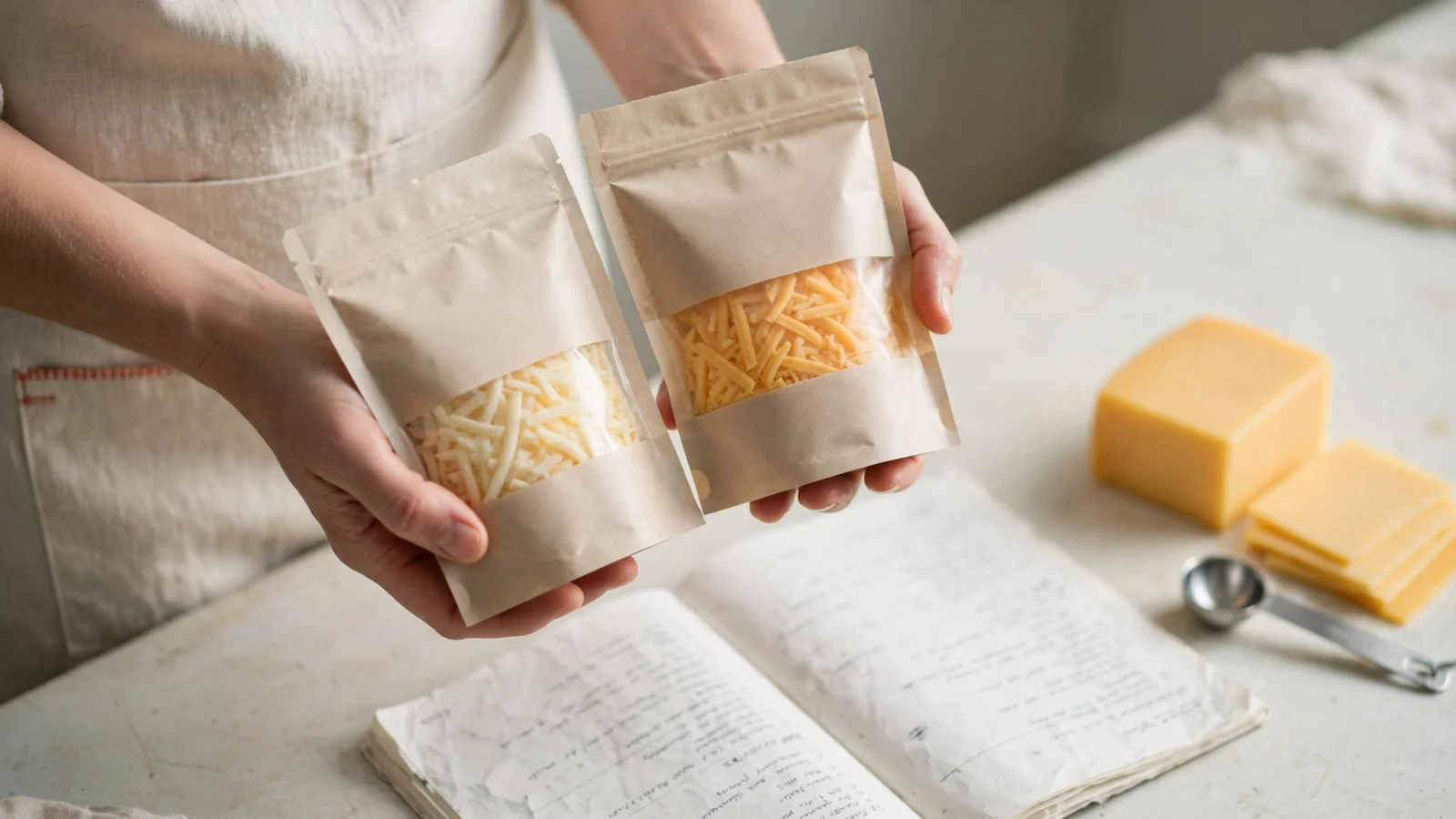
Ambiguous ingredients cause immediate calculation errors. "Cheese," "oil," or "bread" can mean dozens of different products with entirely divergent macronutrient profiles. When a calculator encounters the word "cheddar," it might select a reduced-fat branded slice, a full-fat block, or a generic aggregate record.
These distinctions change the output. A database is a collection of statistical averages mixed with specific commercial product labels, so the app's choice of record directly controls the carbohydrate, fat, and protein totals. You need a straightforward way to check whether the tool selected the food you bought and cooked.
Look for the relevant brand, the specific product type, and whether the database entry specifies a raw or cooked form. A cup of raw spinach has a different volume and density than a cup of cooked spinach. If you weigh four ounces of raw chicken breast but the software matches that text to a database entry for "cooked chicken breast," the protein estimate will inflate because cooked meat has lost water weight and is denser per ounce. When a system automatically matches an ingredient string to a generic record, you need an interface to review that choice and swap it for a more accurate entry.
Make Sure Amounts and Units Are Editable
An accurate ingredient match produces a weak estimate if the attached amount is wrong, which happens frequently with automated text imports. A parsing algorithm might misread "1 clove of garlic" as "1 whole garlic bulb," completely skewing the carbohydrate count for a simple pasta sauce.
Your software needs controls to correct quantities and units. You also need the ability to add missing items, replace incorrect matches, and remove ingredients you decided to leave out of the pan. Many video recipes use imprecise measurements like a splash of cream, a pinch of salt, or a drizzle of olive oil. When those visual cues convert to text, a calculator has to assign a numerical value to them or ignore them entirely.
Reviewing these numbers is a helpful step for any home cook. If you use Buttter when you want to save recipes from TikTok, the tool extracts the content and gives you structured ingredients and steps. The extraction turns a fast-moving video into text you can read at your own pace, but you still want to check the extracted amounts against what you plan to pour into the pot. A video creator might eyeball a tablespoon of honey, and the software will estimate based on that extraction. Having the power to edit that field keeps the final math grounded in reality.
Understand the Serving Assumption
The denominator in a nutrition calculation is highly influential. When software totals the calories for a large pot of beef stew and divides the result by six, it assumes you will distribute that stew into exactly six equal portions. Changing the serving count alone merely redistributes the recipe total across a different number of theoretical bowls.
Scaling a recipe is an entirely different mathematical operation than re-portioning it. If you use a recipe scaler to adjust the yield, you multiply both the ingredients and the final servings together. Scaling a four-serving dinner to feed six people increases the raw ingredients by fifty percent, leaving the per-serving estimate broadly consistent. If you leave the ingredients unchanged but manually edit the serving count from four to six, the portion sizes shrink and the per-serving calories drop.
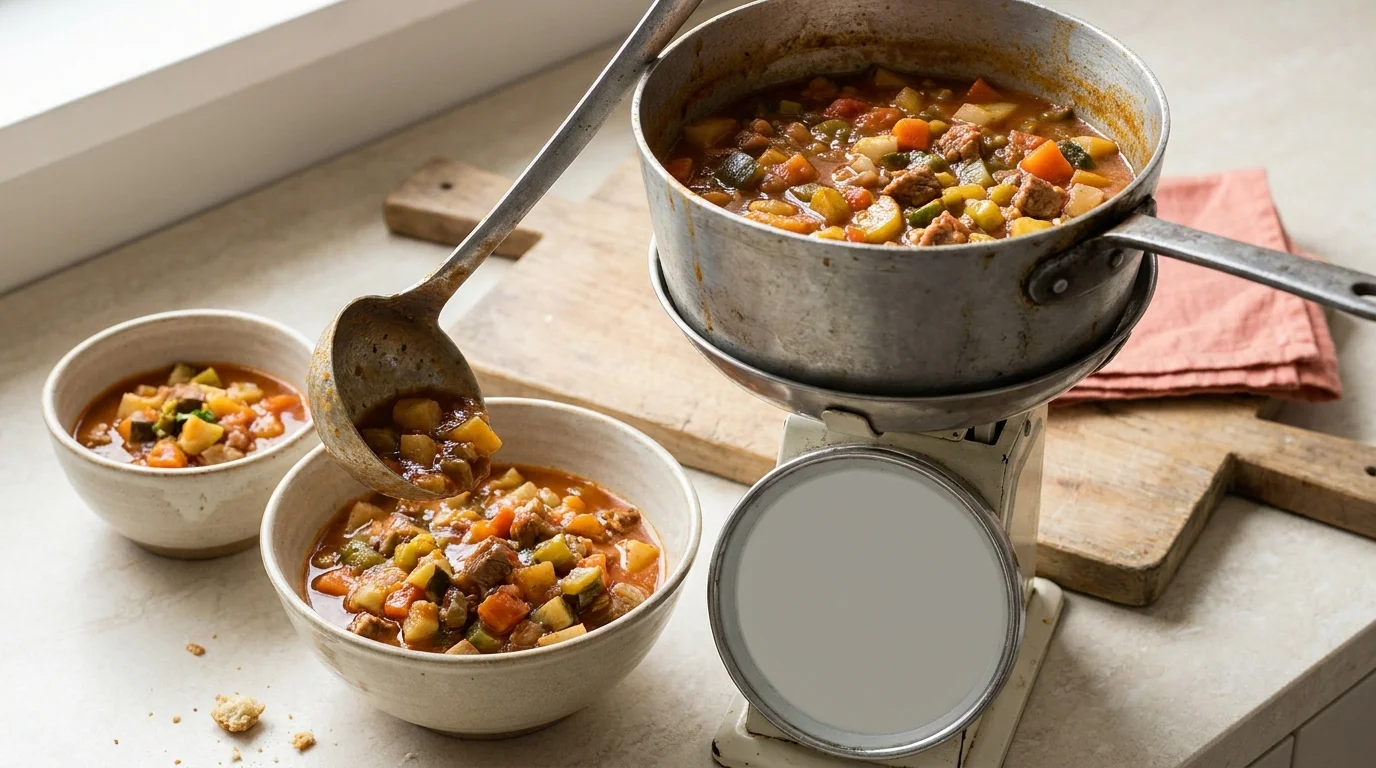
Actual cooking rarely results in perfectly even ladles. For uneven portions, some platforms offer a weight-based measurement option. You weigh the finished cooked batch, enter that total weight into the software, and then weigh your specific bowl to determine your exact fraction of the total dish.
This weight-based approach introduces another physical variable, which is water loss. Simmering a stew evaporates water, making the finished cooked weight lighter than the combined weight of the raw ingredients. The total macronutrients remain the same, but the caloric density per ounce increases. If you divide by weight, the software needs to know the final cooked weight rather than the sum of the raw components.
Packaged food labels function differently than homemade recipe yields. The FDA explains that serving sizes on packaged foods reflect the amount people typically eat, not a recommendation or an arbitrary fraction. A recipe author's "serves four" is an estimate of portion size, and the calculator uses that serving count as a fixed divisor.
Look for Clear Estimate Assumptions
Transparency matters more than false precision. Every automated calculation involves assumptions, and capable software makes those assumptions visible to the user rather than hiding them behind a clean interface.
The Whisk nutrition documentation says the app assigns default amounts to some ingredients without quantities and uses precooked nutrition values for raw ingredients. It also says the app does not calculate nutrient loss based on cooking techniques.
Treating the output as an estimate is practical. Pay close attention when amounts are unclear, food forms are ambiguous, or the finished yield is a guess. An estimate remains highly useful for understanding the general profile of a meal, provided you know what the software assumed when it ran the numbers.
Match the App to Your Recipe Source
Different platforms target different ways of collecting recipes. Your choice depends on where you find your food ideas and how much control you need over the final output. Evaluating tools based on their intended workflow is more practical than searching for an independent accuracy test, since accuracy depends heavily on your own input review.
If your recipes start as social media videos, you face a specific extraction problem. Fast-paced clips often lack a typed ingredient list, making standard web importers useless. Buttter is built for this workflow. Operating on iPhone and iPad, it allows you to share a social post directly to the app. It turns supported videos into structured ingredients, applies automatic nutrition estimates, scales servings, and offers a step-by-step cook mode. You can also generate ideas using a fridge photo recipe generator to use up what you already have. When a recipe calls for ingredients you don't have, you can hand its shopping list off to a shopping-list app. It is free to download, with some AI features requiring an optional subscription.
If you primarily use traditional recipe websites or enter lists manually, other tools offer established workflows. MyFitnessPal features a website link importer and manual ingredient entry. Its interface allows you to review food matches, edit quantities, and track your daily macro intake against personal goals. The iOS and Android importer is available when the device is set to English, and it relies on the text already present on the webpage.
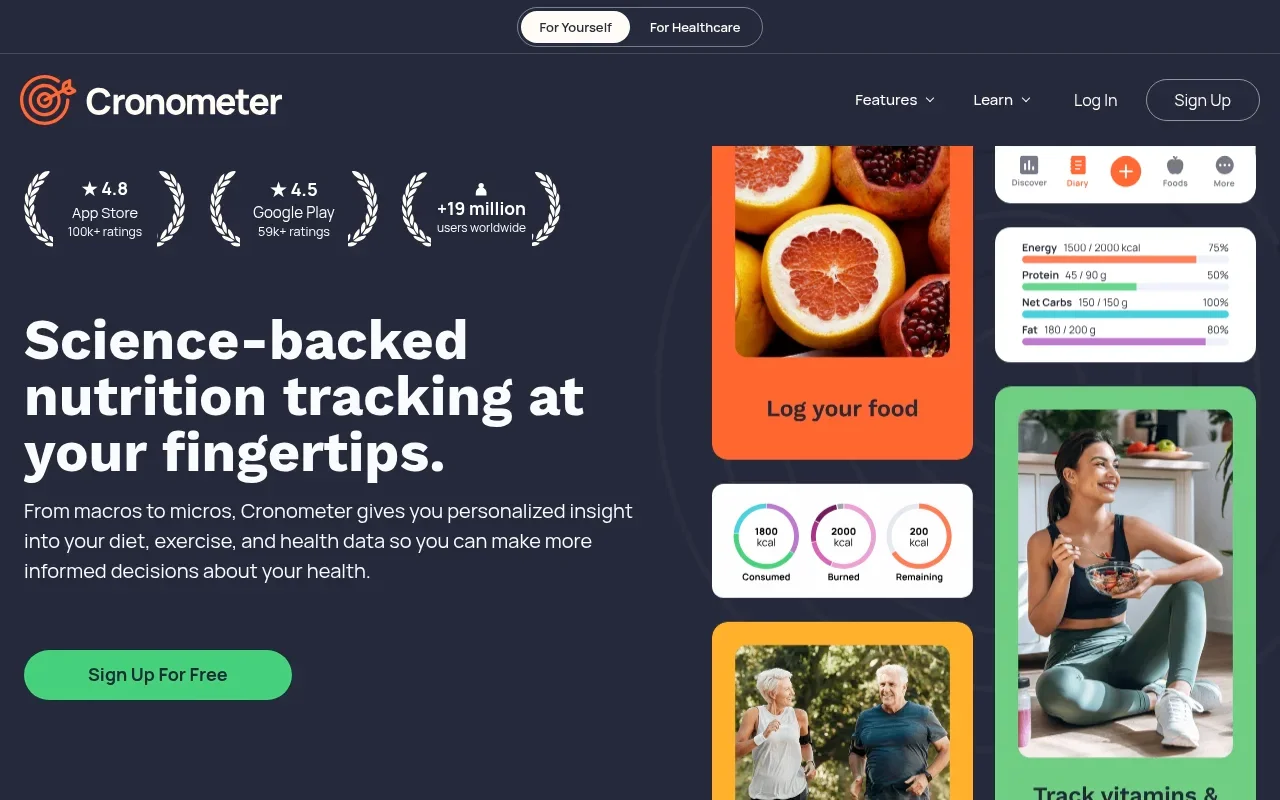
Cronometer targets users who want precise control over portioning a cooked batch. Its custom recipe tools accommodate manual creation and website imports. It stands out by offering a dedicated field for the finished cooked recipe weight, giving you a straightforward way to calculate uneven, weight-based portions after water loss occurs on the stove.
Samsung Food offers a recipe URL calculator that imports ingredients directly from a web link. It provides clear documentation on its calculation methods, making it a reliable choice for users who want to paste a blog URL and immediately see the resulting nutritional breakdown based on standard gram normalization.
These tools extract data differently because they target different formats. A website recipe importer relies on the structured text or metadata built into a food blog by its publisher. That capability does not mean the same application can extract a workable recipe from a creator tossing ingredients into a pan on Instagram. Choose the platform that matches your source material.
How to Choose Your Recipe Tool
Aligning the software with your cooking habits prevents frustration. Use this breakdown to match your daily workflow to the right kind of tool.
| Your Recipe Source & Situation | Priority Feature | Recommended Approach |
|---|---|---|
| Saving TikTok or Instagram videos | Video-to-text extraction | Buttter. Traditional importers fail on video; you need a tool built to extract structured steps and ingredients from social clips, including videos without a written recipe. |
| Tracking exact uneven portions | Cooked weight entry | Cronometer. When ladles vary, entering the finished cooked weight allows you to log exact portions based on the bowl's scale weight. |
| Importing from food blogs | URL parsing | MyFitnessPal or Samsung Food. These tools cleanly read the structured metadata on traditional recipe websites to build a quick ingredient list. |
| Cooking from ingredients on hand | Photo generation | Buttter. Buttter's fridge photo recipe generator helps you find recipe ideas from ingredients you already have. |
Checking the ingredient match, editing amounts, and understanding the serving math turns a blind calculation into a reliable baseline for your diet. When you know how the numbers are generated, you can trust the estimate on your plate. For recipes that start in social videos, Buttter connects that process with searchable cookbooks, automatic nutrition estimates, serving scaling, cook mode, and shopping-list app handoff on iPhone and iPad.
Ready to turn your saved food videos into structured, cookable recipes? Download Buttter on iPhone and iPad to build your personal cookbook, see nutrition estimates with Premium, and start cooking from the ingredients you already have.
